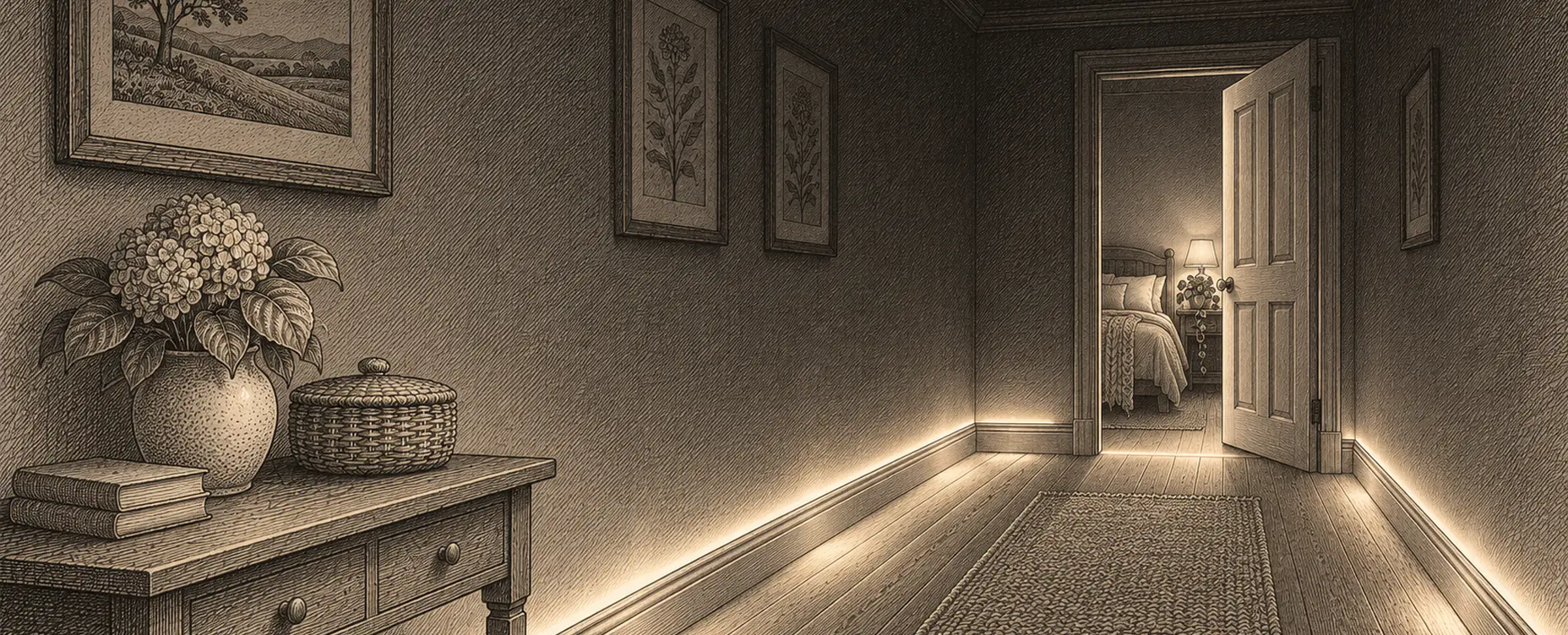
Motion-activated lighting is the automation people try first and abandon most often, because a badly configured sensor is genuinely irritating: lights that switch off while you are still in the room, come on when you did not want them, or dazzle you at 3am.
Done well it is the single most useful thing in a smart home — the automation you stop noticing because it is always right. The gap between the two is configuration, not hardware.
Know what your sensor actually detects
Different technologies fail in different ways, and choosing correctly avoids most problems.
Passive infrared is the common type. It detects changes in infrared radiation across its field of view — a warm body moving. Cheap, reliable, low power, long battery life. Its critical weakness: it detects movement, not presence. Sit still to read and it decides the room is empty.
It is also poor at detecting movement towards it rather than across it, which is why a sensor pointed down a corridor performs worse than one pointed across the entrance. And it struggles in warm rooms, because it works on the temperature difference between a person and the background.
Microwave and radar sensors emit a signal and detect reflections. They pick up much smaller movements — breathing, a turning page — so they detect genuine presence rather than motion. They see through some materials, which can be a feature or an annoyance when the sensor triggers on someone in the next room. Higher power draw, so usually mains-powered.
Millimetre-wave radar is the newer version, capable of detecting a still person reliably and in some cases their position or posture, without producing an image. This is the technology that finally solves the sitting-still problem, and it is worth the premium in a room where people are sedentary.
Ultrasonic uses sound reflections. Sensitive, and prone to triggering on air movement.
Dual-technology sensors require two technologies to agree before triggering, and often use one to trigger and the other to hold. Fewer false triggers, and the best choice for a difficult room.
The practical rule: passive infrared for corridors, stairs, bathrooms, utility rooms and cupboards, where people move through; radar or presence sensors for rooms where people sit still — living rooms, home offices, reading corners.
Placement, which fixes more than settings do
Aim across the path of travel, not along it.
Mount at the recommended height, usually 2 to 2.5 m for ceiling sensors and around 1 to 1.2 m for corner-mounted ones. Too high loses sensitivity; too low picks up pets.
Keep it away from heat sources — radiators, extract vents, kitchen appliances, direct sun through a window. Passive infrared reads moving warm air as a person.
Watch the coverage overlap. In a corridor, two sensors with a gap between them produce a light that drops out mid-walk. Overlap them.
Consider what else is in the field of view. A sensor that can see through a doorway into the hall will trigger on the hall.
Corner mounting usually beats ceiling mounting for room coverage, because a ceiling sensor looking straight down has a smaller footprint than the diagrams suggest.
The settings that decide whether people tolerate it
Timeout is the big one. The commonest complaint by far is lights going off while someone is still there. Set it generously — two to five minutes for corridors, fifteen or more for a room where people sit — and remember every retrigger should restart the clock. A timeout that feels slightly too long is invisible; one that is slightly too short is infuriating, and the asymmetry should guide you.
Fade rather than snap off. Dimming to 20 per cent for thirty seconds before switching off gives anyone still present a chance to move and cancel it, and it is far gentler than sudden darkness. This single change resolves most complaints.
Use a light-level condition. There is no point switching on a light in a sunlit room. Most sensors report ambient light; a threshold prevents the commonest pointless trigger. Set it by measuring the room at the point you would want light, rather than guessing.
Vary brightness by time of day. Full brightness in the morning, moderate in the evening, and 2 to 5 per cent at night. Being dazzled on a night-time trip to the bathroom is the fastest way to make a household hate motion lighting.
Respect manual override. If someone switches a light on or off by hand, the automation should back off for a period. A system that fights its occupants gets disabled.
Common annoyances and their fixes
Lights off while sitting still. Either a presence sensor rather than a motion sensor, or hold the light while a television is on or a device is in use, or simply a much longer timeout.
Dazzled at night. Time-based brightness. A separate night scene at very low level, and warm colour.
Triggering from the wrong room. Reposition, mask part of the lens with tape, or reduce sensitivity.
Pets. Mount higher and angle down, use pet-immune sensors, or use door contacts in rooms the animals use.
Coming on in daylight. A light-level condition.
Slow to respond. Some battery sensors have a built-in cool-down before reporting again, which makes them feel sluggish; check whether it is configurable. A door contact triggers instantly and is a better choice for a cupboard or wardrobe.
Guests confused. Keep the wall switch working. An automation nobody else can override is a design failure.
Where it earns its place
In our experience the reliably valuable locations are: stairs and landings, where it is a genuine safety improvement; bathrooms, especially at night; hallways and entrances, arriving with hands full; utility rooms, garages and cupboards, where you never want to hunt for a switch; wardrobes and pantries on a door contact; and the route between bedroom and bathroom at very low level, which is the automation that older households value most.
Where it is usually a mistake: living rooms as the primary control, since people sit still and want to choose the mood; bedrooms, for obvious reasons; and dining rooms, where an automatic change of light during a meal is unwelcome.
Beyond lighting: the same sensors do more
Once presence sensors are in, they are useful for a good deal besides switching lights, which improves the case for the better ones.
Holding heating on in occupied rooms and letting unoccupied ones drift down a degree or two.
Confirming an intrusion, since a door contact followed by interior motion in away mode is a far stronger signal than either alone.
Noticing an unusual day — no movement in the kitchen by late morning — which is the gentlest form of checking on someone living alone.
Pausing music or a television when a room empties, and resuming when it fills.
Understanding how you actually use your house, which is more interesting than it sounds. A month of occupancy data frequently shows that a room everyone assumed was well used is occupied four hours a week, which changes both heating and furniture decisions.
A configuration we would recommend
- Passive infrared for circulation and utility spaces, presence sensors for rooms where people sit.
- Corner mounted, aimed across the route, away from heat sources.
- Generous timeouts, restarted on every retrigger.
- Fade to low for thirty seconds before switching off.
- A light-level condition on every rule.
- Three brightness levels by time of day, with a very dim warm night level.
- Manual override respected for at least an hour.
- Wall switches left working for everyone else.
Items three and four are the ones that decide whether your household accepts motion lighting or quietly asks you to turn it off, and neither costs anything.