Robot vacuums: what actually determines whether one works
One of the few categories where connectivity is the product and the expensive models are genuinely better. Also frequently disappointing, for predictable reasons.
One of the few categories where connectivity is the product and the expensive models are genuinely better. Also frequently disappointing, for predictable reasons.
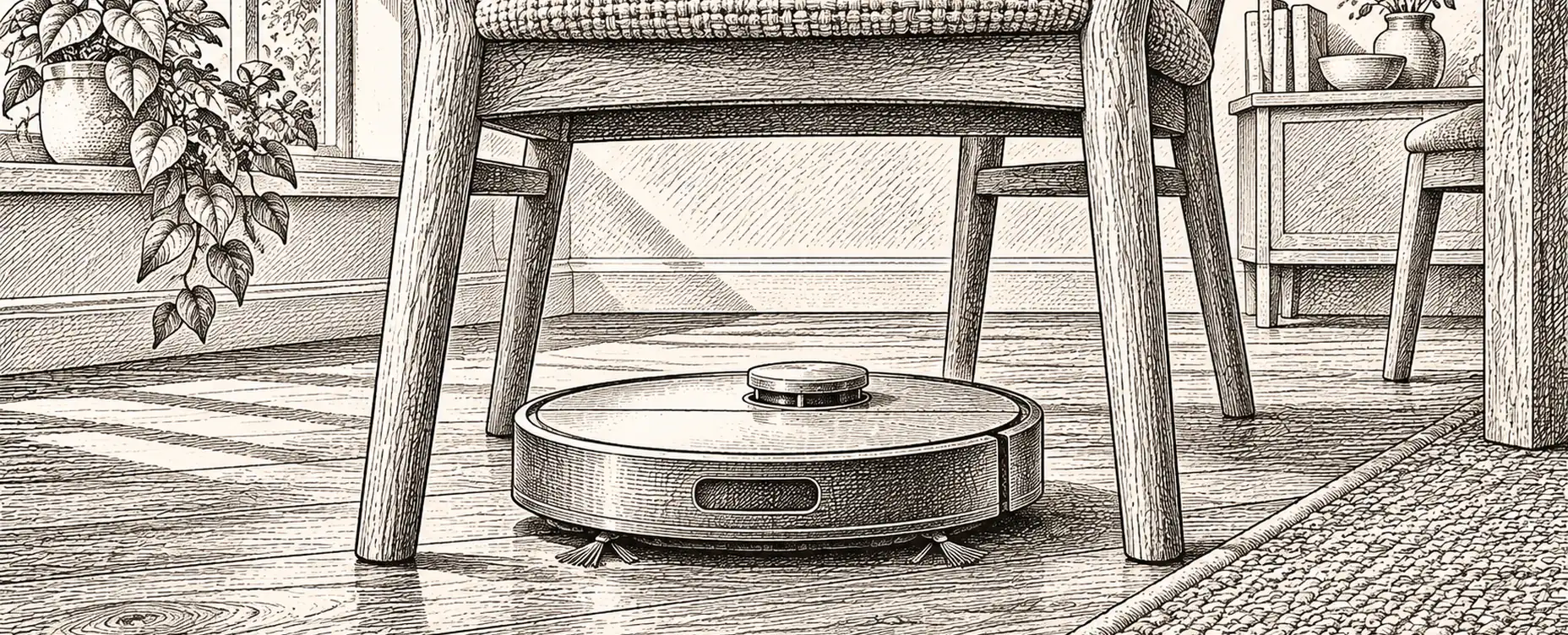
Robot vacuums are one of the few appliance categories where connectivity is the product rather than a feature bolted on, and one of the few where the expensive models are genuinely better rather than merely better equipped.
They are also frequently disappointing, almost always for reasons that could have been anticipated. Here is what determines whether one works in your house.
Being clear about this prevents most disappointment.
They are good at maintaining a floor that is already clean. Running daily, they keep dust, hair and crumbs from accumulating, which is genuinely valuable and reduces how often you need to do a proper clean.
They are not good at deep cleaning. Suction and brush pressure are lower than an upright, and ground-in dirt in a carpet needs a real vacuum. They also cannot do stairs, cannot reach most edges perfectly, and cannot deal with a cluttered floor.
So the honest framing is: a robot replaces the daily tidy, not the weekly clean. Households that understand that are happy with them; households expecting a replacement for a proper vacuum are not.
The difference between a cheap robot and a good one is almost entirely how it understands your house.
Random or bump navigation wanders semi-randomly until the battery runs down. Cheap, inefficient, misses areas, and cannot be told where to go. We would avoid these now.
Gyroscope navigation attempts a systematic pattern with no real map. Better, and it drifts.
Lidar uses a spinning laser rangefinder to build an accurate map. This is the technology that makes a robot actually useful: efficient coverage, reliable return to dock, saved maps, room-by-room commands and no-go zones. It also works in the dark, unlike camera navigation.
Camera-based navigation works well in good light and less well in dark rooms. It also means a camera moving around your house, which is worth a moment's thought about where footage goes.
Obstacle avoidance is a separate capability layered on top, using additional cameras or structured light to identify and avoid objects. This is what stops a robot eating a charging cable or, memorably, spreading pet mess across a floor. If you have pets or children, this feature is worth more than any other.
Our recommendation: lidar mapping plus obstacle avoidance, and treat anything without mapping as a false economy.
Combined vacuum and mop units are now common, and expectations should be moderate.
A simple damp cloth dragged behind maintains a hard floor that is already clean. It does not scrub, and it will spread anything sticky.
Vibrating or rotating pads apply actual pressure and do considerably better on marks.
Self-washing base stations rinse the pad, which addresses the real problem: a dirty mop pad simply redistributes dirt. This is the feature that makes robot mopping worthwhile rather than cosmetic.
Pad lifting matters if you have carpet and hard floor in the same space, since a wet pad dragged onto a rug is a mess.
Two practical cautions. Robot mopping is not appropriate on some wood floors and on any floor sensitive to moisture, so check with your flooring. And the water tanks are small, so a large area needs refilling, which is precisely the chore you were trying to avoid.
Self-emptying docks transfer dirt into a larger bag, so you empty it every month or two instead of after every run. Genuinely convenient, particularly for allergy households where emptying a small bin is the unpleasant part.
The trade-offs are honest ones: they are large, often the size of a small bin and needing a permanent home against a wall with clearance; they are loud during the transfer, briefly but startlingly; and bags are a consumable with an ongoing cost, so check the price and whether third-party bags are available before committing.
For an allergy household we would take one. For a small flat, the space cost may outweigh the benefit.
A robot's performance depends more on your floor than on its specification.
Cable management is the big one. Charging cables, lamp flexes and phone cables are what robots eat, and obstacle avoidance is good rather than perfect. Clip cables up.
Rug fringes and tassels tangle in brushes. Either remove them or set a no-go zone.
Thresholds. Check the climbing height in the specification against your door thresholds and rug edges — typically 15 to 20 mm. A robot that cannot get into a room does not clean it.
Height clearance under furniture. Measure the gap under your sofa and bed and compare it with the robot's height. Being able to clean under a bed is one of the main benefits, and it is a specification worth checking rather than hoping about.
Dark floors can confuse cliff sensors on some models, causing a robot to refuse to cross a dark rug or mat because it reads as a drop.
Pets. Long hair wraps around brush rollers, so look for anti-tangle designs and expect to cut hair off periodically regardless.
Clean when the house is empty. The single most useful rule — noise is irrelevant if nobody is home, and a clear floor cleans better. Trigger it on the house going into away mode with a minimum duration, and cancel if anyone returns.
Clean the kitchen after cooking, triggered by the hob having been in use.
Clean under the dining table after mealtimes, as a room-specific job.
Do not clean when guests are here, or during a work call, driven by a calendar or occupancy.
Notify on failure — stuck, tangled, brush blocked, dustbin full — because a robot that failed at 10am and sat under a chair all day has cleaned nothing and you will not notice until the floor looks wrong.
Pause on a doorbell, so you can hear the door.
Turn lights on for camera-navigating models in dark rooms, which is a neat use of existing lighting.
Track consumable life based on run hours, so filters and brushes get replaced on schedule rather than when performance has already dropped.
A robot vacuum builds a detailed map of your home's interior, and camera-based models capture images from inside your house. Both are legitimate to think about.
Questions worth asking: is the map stored locally or in the cloud? Are camera images processed on the device or uploaded? Can it be controlled entirely locally, without an account? And what does the privacy policy say about sharing map data, which has commercial value as a description of your home.
Models that support local control through your own hub, without cloud dependency, avoid most of this. It is worth checking before buying rather than after, and it is one of the clearer arguments for choosing a product with an open local interface.
Item eight is not a joke. The households that get on best with robot vacuums are the ones that adapted the floor slightly, and it takes one afternoon.